
Features
Everything from the card to your follow-up, in one app
Find and straighten the card
Hold the phone over the card and tap the button. Opingo finds the card in the picture, cuts it out and straightens it, so the text reads clearly. You do not need to line it up perfectly.
Read the card on your phone
Opingo reads the printed text on your phone. The card photo is not sent anywhere to be read. Opingo reads letters from the Latin alphabet (English and similar languages).
Sorted into fields
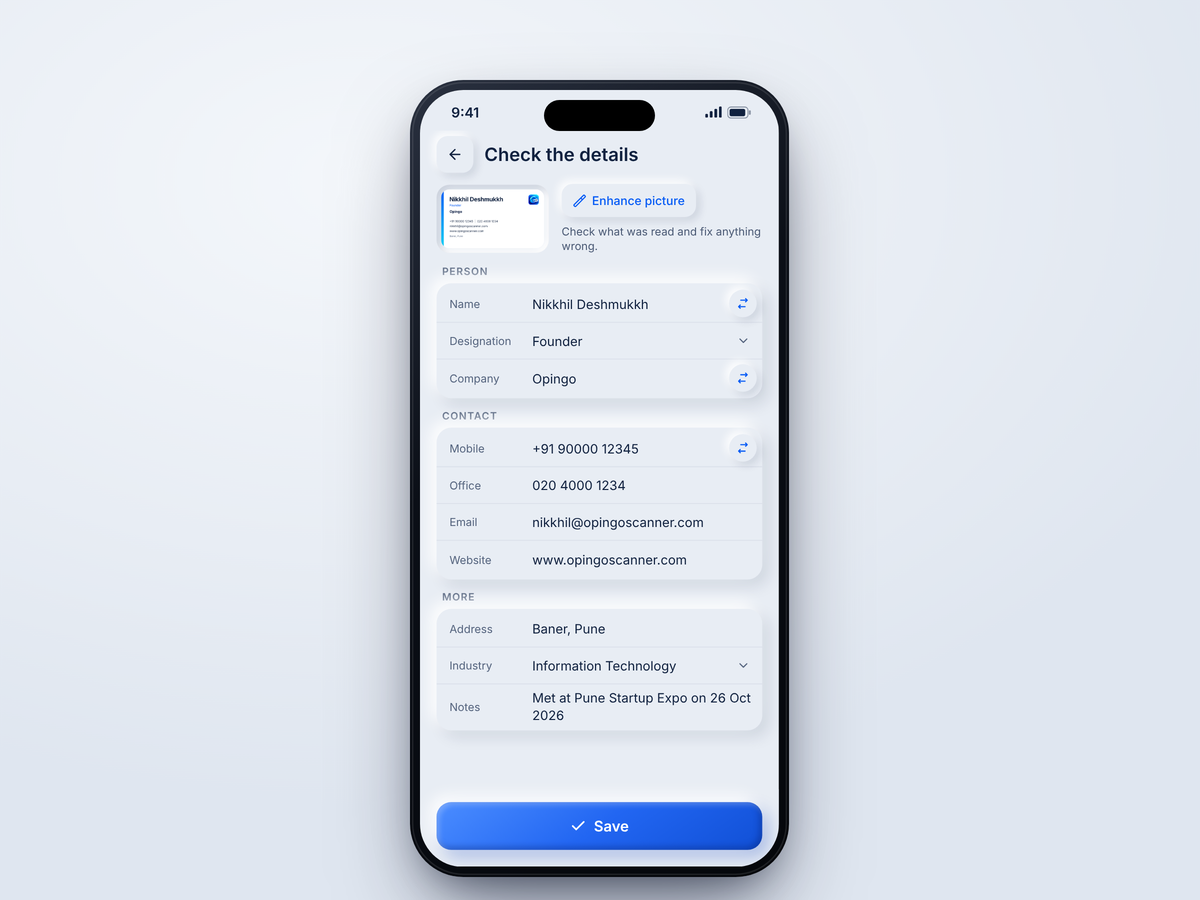
Name, job title, company, mobile, office phone, email, website, address, industry and notes are filled in for you. Anything Opingo cannot place is kept on the screen, so you can tap it into the right field.
Check before you save
Every field can be changed. If the email on the card looks wrong, Opingo marks it in red, and no email is sent until you fix it.
Front and back of the card
Scan the back of the card too. Empty fields are filled in from it, and anything different is offered to you to place.
Save to your contacts
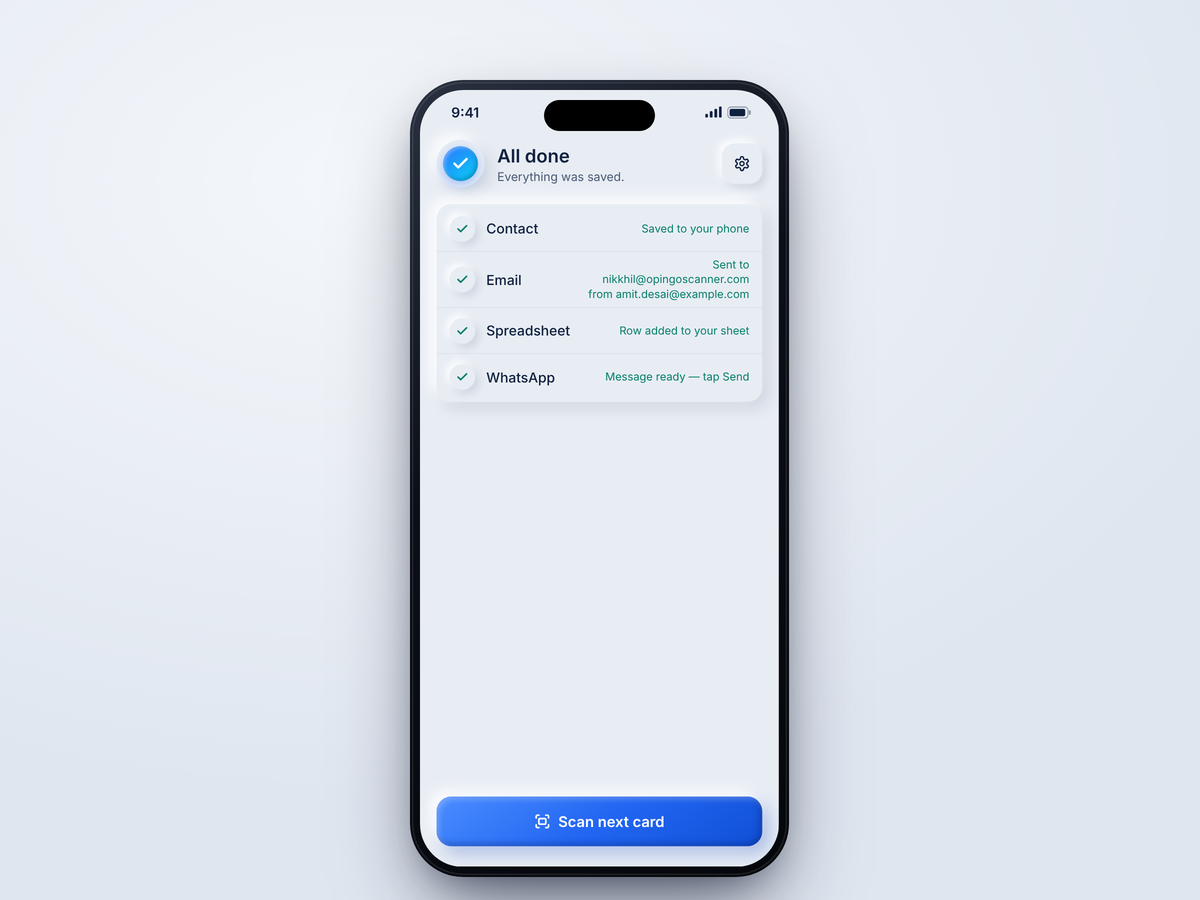
One tap adds the person to your phone's contacts, with name, company, job title, phone numbers, email, website and address. Free for everyone.
Follow-up emailPro
Send a short, personal email from your own email account to the person you just met. Use Gmail, Outlook, Microsoft 365, Yahoo, Zoho or any email account with an app password. Add more than one account and pick the one to use. You get 3 seconds to cancel before the email goes.
Google SheetPro
Each card becomes a row in your own Google Sheet, with the card's photo linked in the row. Sign in with Google and Opingo sets up the spreadsheet in your own Google Drive for you.
WhatsAppPro
Open WhatsApp with the person's number and your message already written. You tap Send yourself. Nothing is sent without you.
CRM and other spreadsheetsPro
Paste a Zapier or Make link and each card goes to your CRM (such as HubSpot or Zoho) or to a spreadsheet such as Excel or SharePoint. You can also copy your CRM on follow-up emails.
Your contact card goes with every emailPro
Each intro email carries your own contact card, signed with your name, designation and company, so the people you meet can save you in one tap too.
Export your listPro
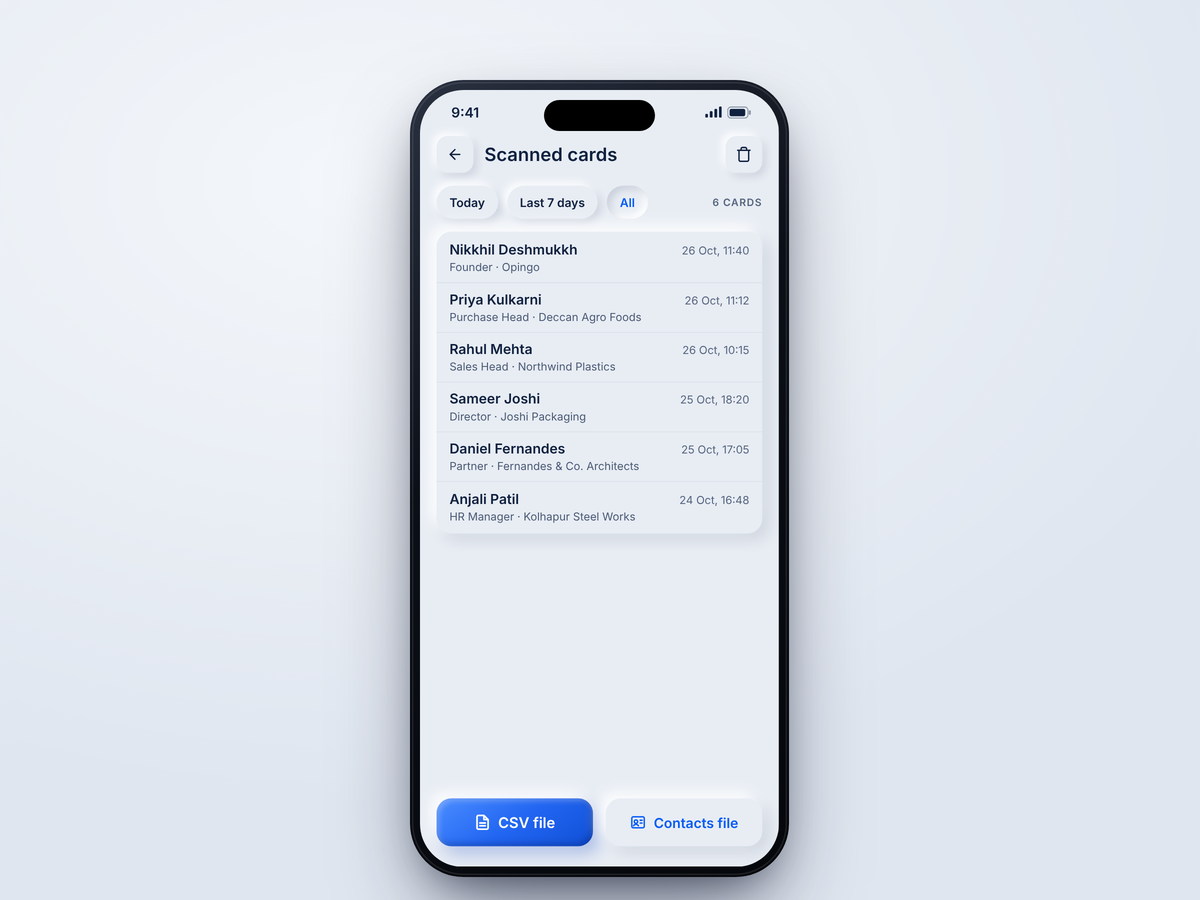
Export the cards you saved as a spreadsheet file (CSV) or as a contacts file (vCard).
Your own standard note
Choose a note that every new card starts with, for example "Met at Pune Expo on {date}". The date fills in by itself.
Notifications
A short message tells you when an email has been sent and when a spreadsheet row has been added.
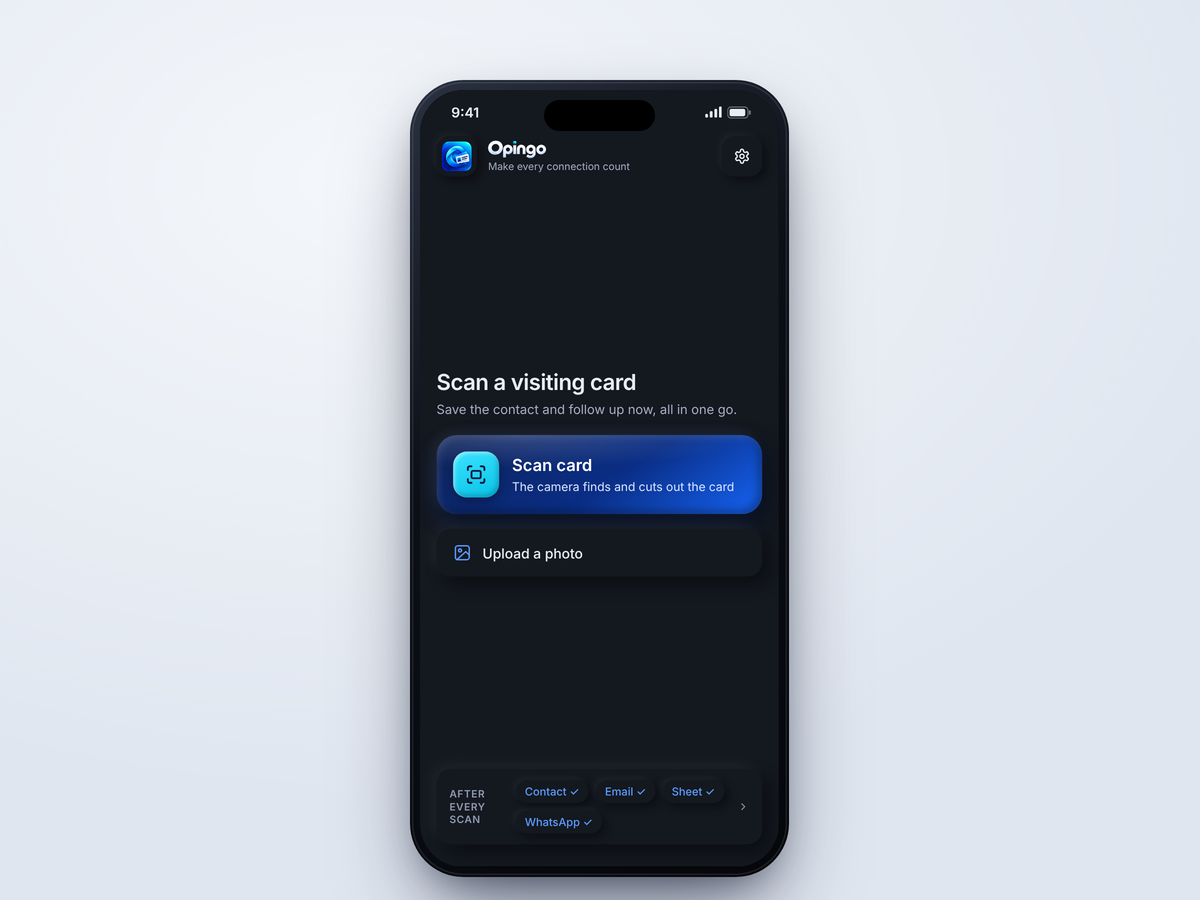
Dark and light mode
Opingo's soft, matte controls look and feel like real buttons, in dark and light mode. Each press gives a light vibration.
No ads, no tracking
Opingo shows no advertising and does not track you. Your settings stay on your phone.
Make your next connection count.
Free to download on Google Play and the App Store.